 mylinq
How to create a link-in-bio page for Instagram
The quick version: make a free page at mylinq.cc, paste your links, pick a theme, then in the Instagram app go to Edit profile → Links → Add external link and paste your page address.
Here's each step with screenshots from a real page, plus what to put on it so people actually tap.
1. Claim your address
Sign up with Google or your email and choose a username. It becomes your page address, like mylinq.cc/yourname. Use the same handle as your Instagram so people recognise it. Usernames are 3 to 30 characters, start with a letter, and can use lowercase letters, numbers, dots and underscores.
2. Paste your links
Copy a link from any app and paste it into Add link. mylinq recognises the platform, names it and adds the right icon, so you rarely need to type a title. Add your shop, YouTube, WhatsApp, portfolio or anything else, then drag them into order.
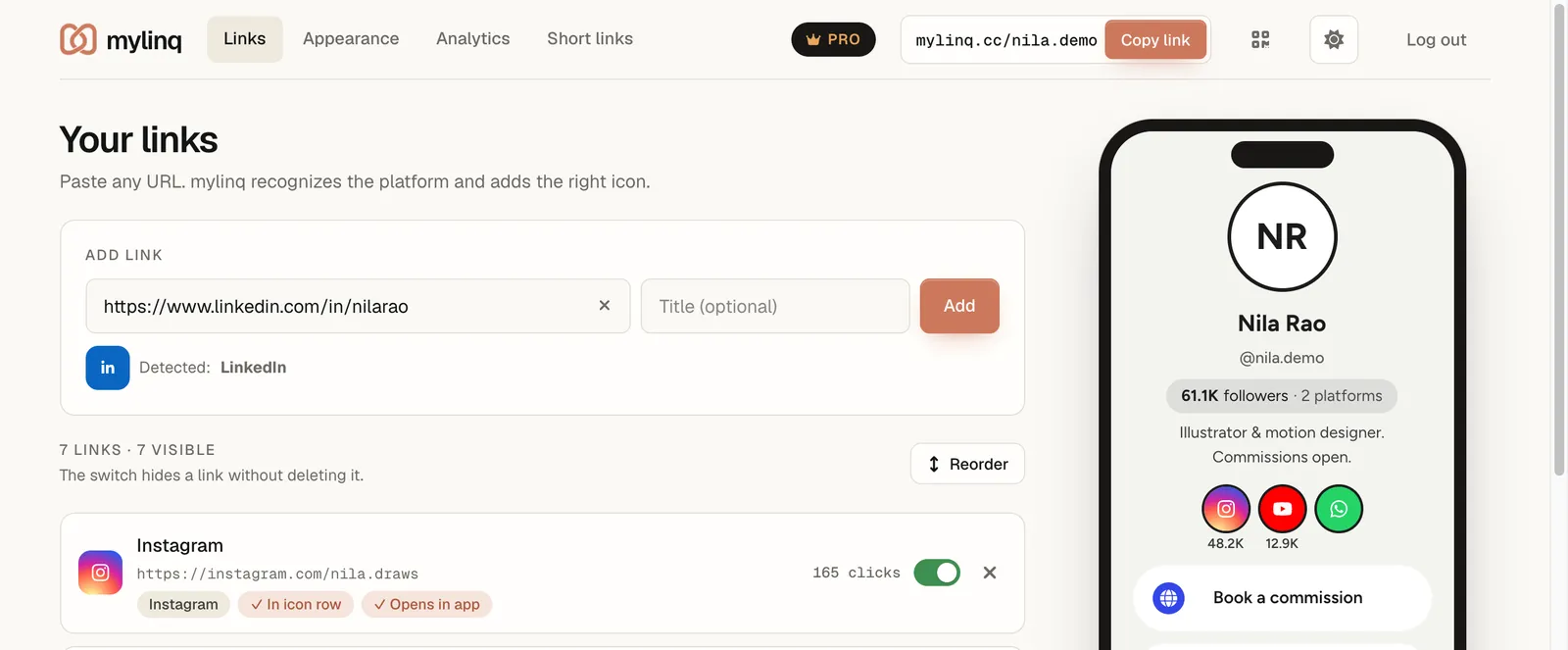
Social profiles look best as round icons at the top of your page: tap In icon row on a link to move it there. Keep the big buttons for the two or three things you most want people to do.
3. Make it look like you
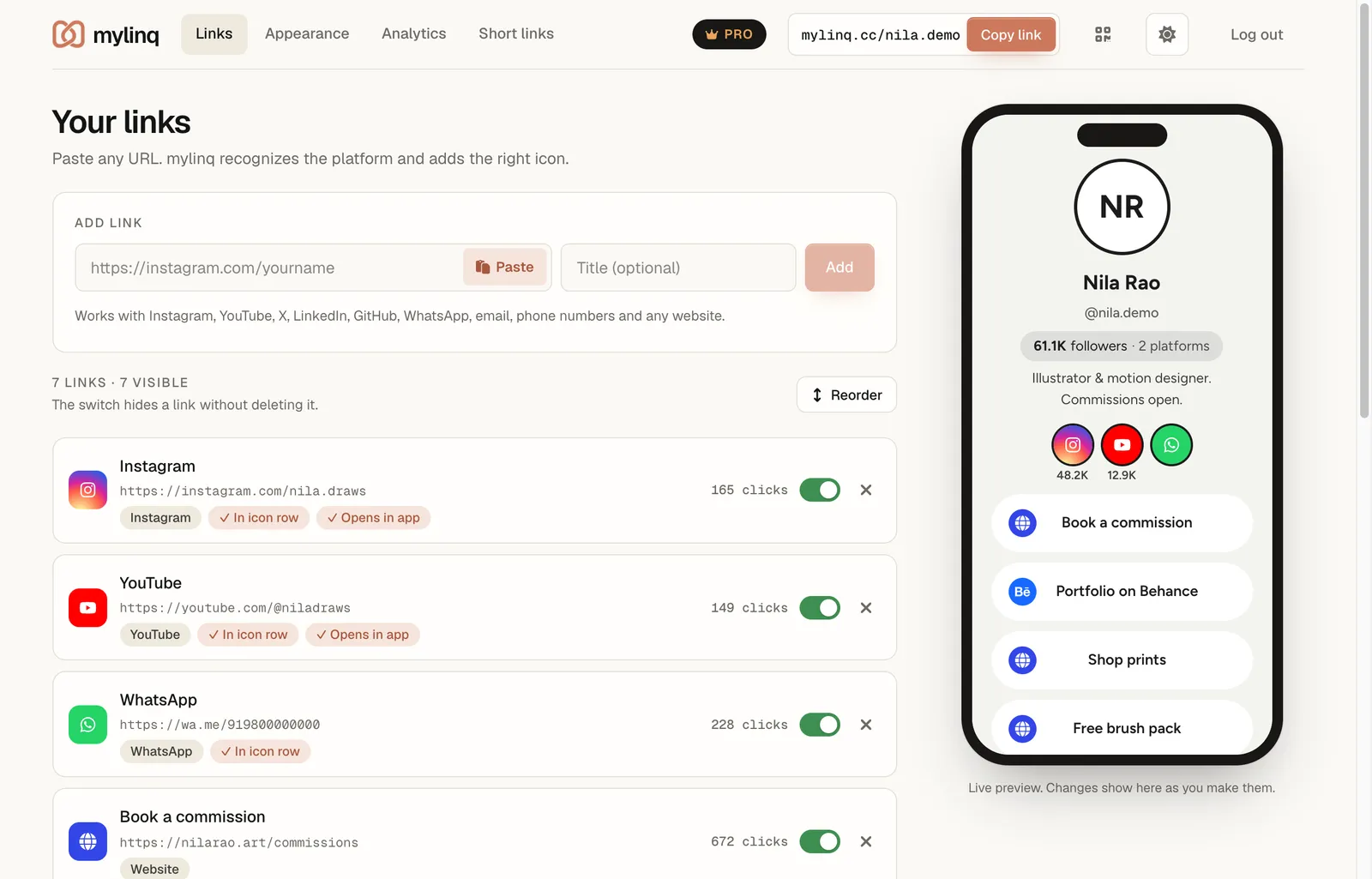
In Appearance, add your photo, name and a one-line bio, then pick a theme. Changes save automatically and show in the preview. Free includes every theme in the first row, plus button shapes and fonts.
4. Check it on your phone
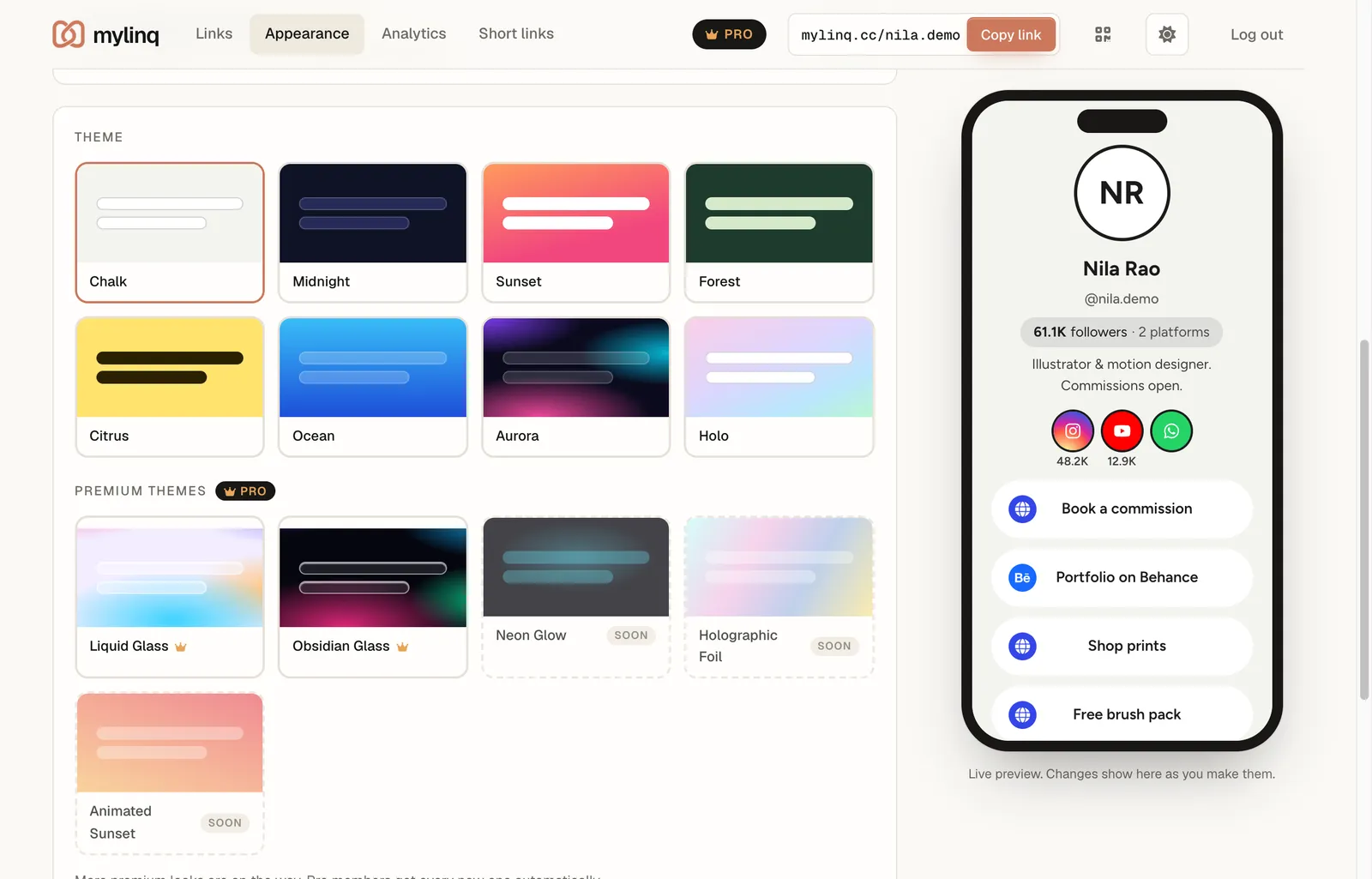
Open your address on your phone and tap every link once. This is exactly what your followers will see.
5. Add it to your Instagram bio
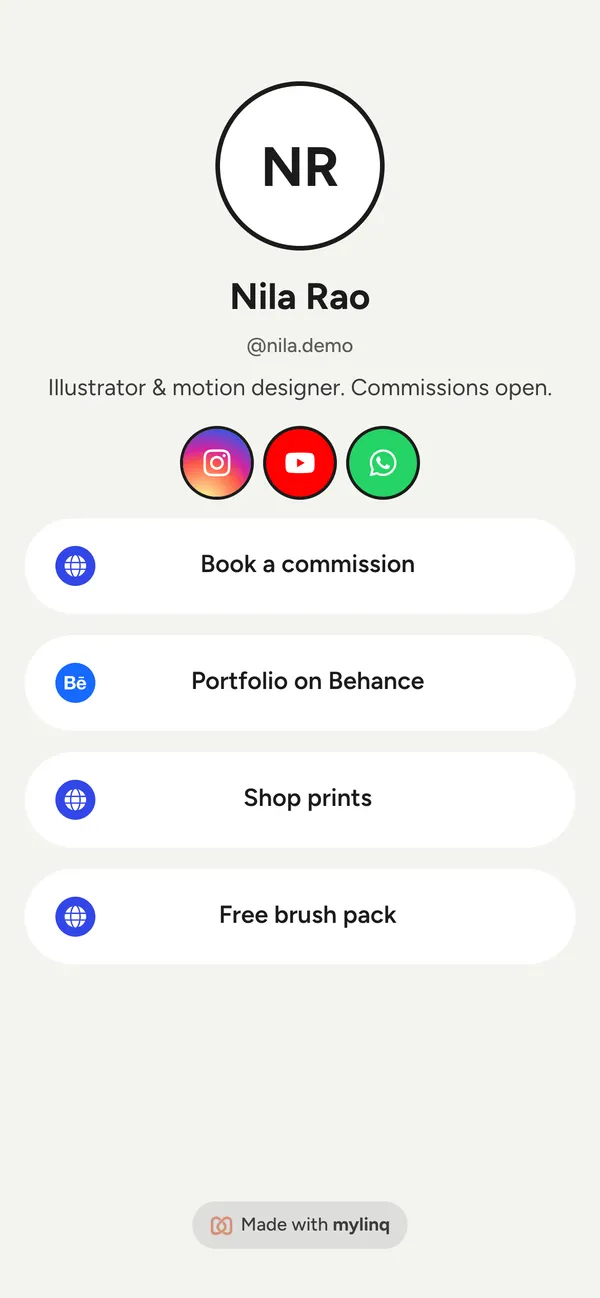
- Copy your page address with Copy link at the top of the mylinq dashboard.
- Open the Instagram app and go to your profile.
- Tap Edit profile, then Links, then Add external link.
- Paste your address, give it a title if you like, and tap Done.
- If you already have other links there, drag your mylinq page to the top. Only the first link shows on your profile.
Instagram's menus change from time to time; if a label looks different, look for Links inside Edit profile.
Tips that get more taps
- Lead with one action. Put the thing you want most at the top: your latest video, the shop, or booking.
- Name buttons by what people get: “Shop the Diwali prints” works better than “Website”.
- Say it in your posts. “Link in bio” in the caption or a Story reminds people where to look.
- Keep it short. Five to seven links is plenty. Hide old ones instead of deleting them.
- Check what works. See which links get clicked in Analytics and move the winners up.
Next: make a QR code for your page for print, or read why a page beats Instagram's single bio link.
Questions
How many links can I put in my Instagram bio?
Instagram lets you add up to five links, but only the first one shows on your profile; people have to tap to see the rest. With a link-in-bio page you add one link, and everything you share sits behind it.
Why can't people click links in my posts?
Instagram doesn't make links in captions or comments clickable. Your bio link and the link sticker in Stories are the places people can tap, which is why “link in bio” exists.
Can I change my links later without editing Instagram?
Yes. Your bio keeps the same address. Add, remove or reorder links on your page and the change shows straight away.
Will my YouTube link open the YouTube app?
On phones, yes. mylinq opens YouTube, Instagram, LinkedIn, X, Spotify and other supported links in their apps when they're installed, even from Instagram's in-app browser. Otherwise the website opens.
Keep exploring
Make your page in a minute
Free forever. No credit card. Upgrade only if you need more.
Claim your mylinq page